
For organizers
Dashboard and earnings
The dashboard is where you read an event after it has happened and where you take your earnings out.
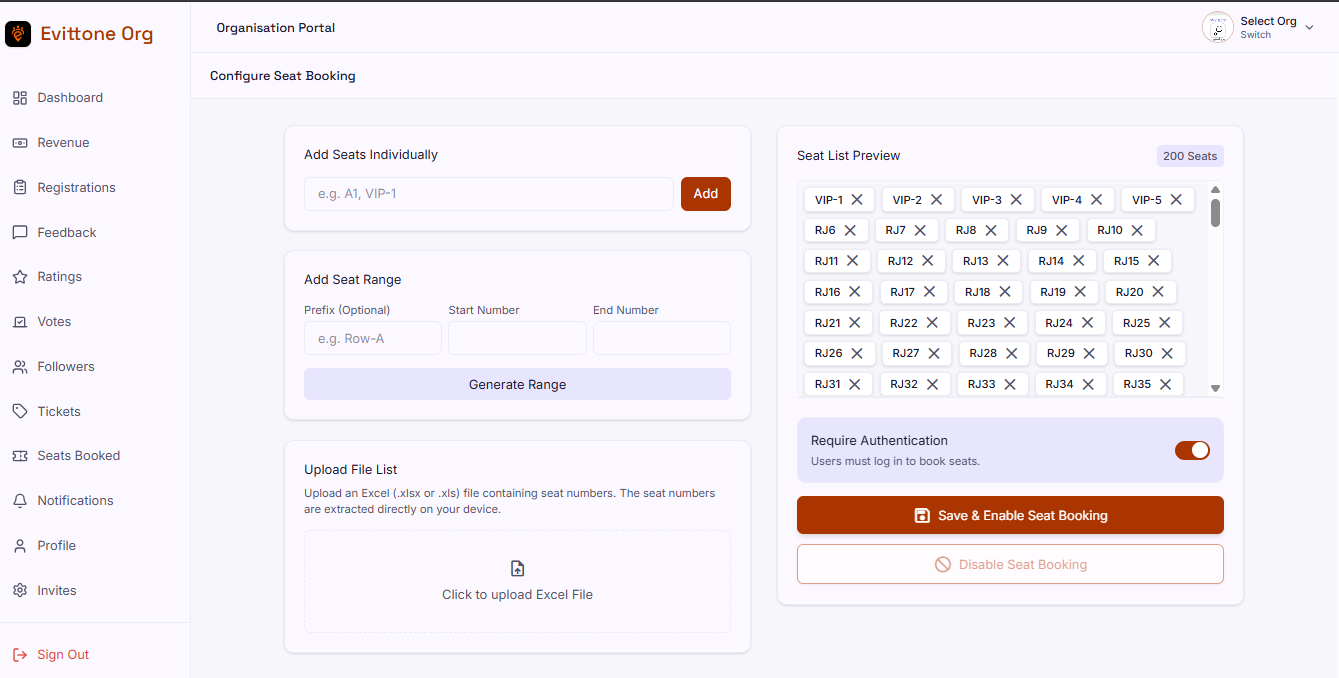
Once you are an active organizer, everything you run lives in one dashboard at org.evittone.com.
What the dashboard shows
- Sales
- Attendee count
- Revenue
- Ratings
- Income analytics by stream
- Gross intake across channels
Per-event numbers
Each event carries its own stats, so you can read one event instead of the whole organization:
- Seats booked
- Tickets purchased
- Tickets left
- An outsold or outperformed indicator
- Vote counts
- Ratings
- Feedback
- Registrations
Outsold and outperformed
When tickets sell out, the event is marked as having outsold its tickets and exceeded its target.
Withdrawals
A withdrawal moves your ticket earnings out of Evittone.
- Request a withdrawal from the dashboard.
- Check the amount available, the total you have already withdrawn, and any pending withdrawals.
- Choose the payout method.
Payout is through Paystack, to the method you select, mainly mobile money.
Every withdrawal is approved by an Evittone admin before it is processed. A requested withdrawal is not a paid withdrawal, so plan for the approval step when you are depending on the money.
Minimum withdrawal
[TO CONFIRM: minimum withdrawal amount]
Refunds
Refund handling lives here too. An attendee requests a refund, you approve it, and the money returns to the original payment method. Refunds are not automatic.
What attendees see
Nothing. The dashboard is organizer-only.
The parts of it that attendees experience are the effects: a paid ticket that turns into a QR code, a refunded ticket that stops being valid, and a vote that closes on the dates you set.
Tips
- Read seats booked against tickets purchased together. That pair is what tells you how full the room really is.
- Watch tickets left as the event approaches, not on the day.
- Request withdrawals before you need the money, so the admin approval is not the thing that delays you.
- Check pending withdrawals as well as the available amount. Two different numbers, and only one of them is yours today.
- Read feedback from the event page itself as well as from the dashboard. The dashboard gives you the pattern, the page gives you the sentences.