For organizers
For Organizers
Everything an event organizer needs on Evittone, from the first draft to the money in your hand.
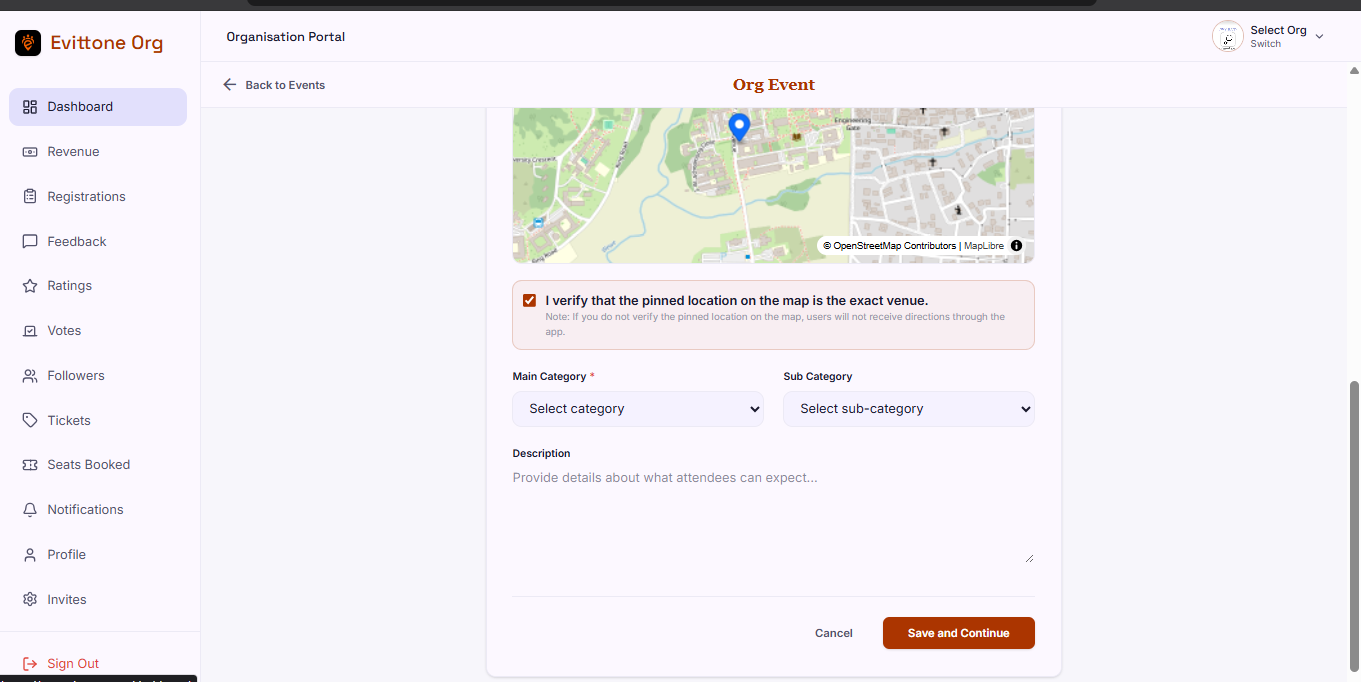
Evittone gives organizers one place to set up an event, sell into it, run it on the day, and see how it went. The guides below follow the life of an event in order.
The organizer guides
- Event drafts and modules — create an event, then switch on only the modules you need.
- Ticketing — tiers, prices, ticket messages, Paystack payments, and QR entry.
- Registration forms — collect what you need from attendees before they book.
- Voting — simple voting and advanced voting, and how to choose between them.
- Feedback — written feedback from verified attendees, and how to use it.
- Ratings — verified one to five star ratings, and why the average is public.
- Check-in and QR scanning — attendance by QR or OTP, and the attendance window.
- Dashboard and earnings — sales, revenue, per-event stats, and withdrawals.
- Teams, followers, notifications, and your profile — invite your team and reach your followers.
There is also a short organizer FAQ for ticketing, voting, and refunds.
How to become an organizer
- Create an Evittone account.
- Complete the organizer application. It is step by step, so you can fill it in over more than one sitting.
- Send it for review. An Evittone admin approves the application.
- Once it is approved, your account becomes active and you can start building events.
One person can register at most two organizations on Evittone for now.
What attendees see
Organizers work inside the organization account. Attendees see the other side of it: event pages, ticket tiers, a QR code, the count of people coming, a form, a vote, and a rating. The guides say what attendees see at each step, and what happens behind the scenes.
Tips
- Start with Event drafts and modules. Everything else is a module you switch on from there.
- Read Ticketing before your first paid event. The difference between a seat and a ticket is the single most common surprise in the door queue.
- If you are not sure your event needs a module, leave it off. You can enable it in the draft later, but a module nobody uses is a form nobody finishes.
Ready to run your event?
Create an account, apply to organize, and your application is reviewed before your account becomes active.